Tooltips
A tooltip is a little popup window that shows a little information about the bookmark your mouse is hovering over.
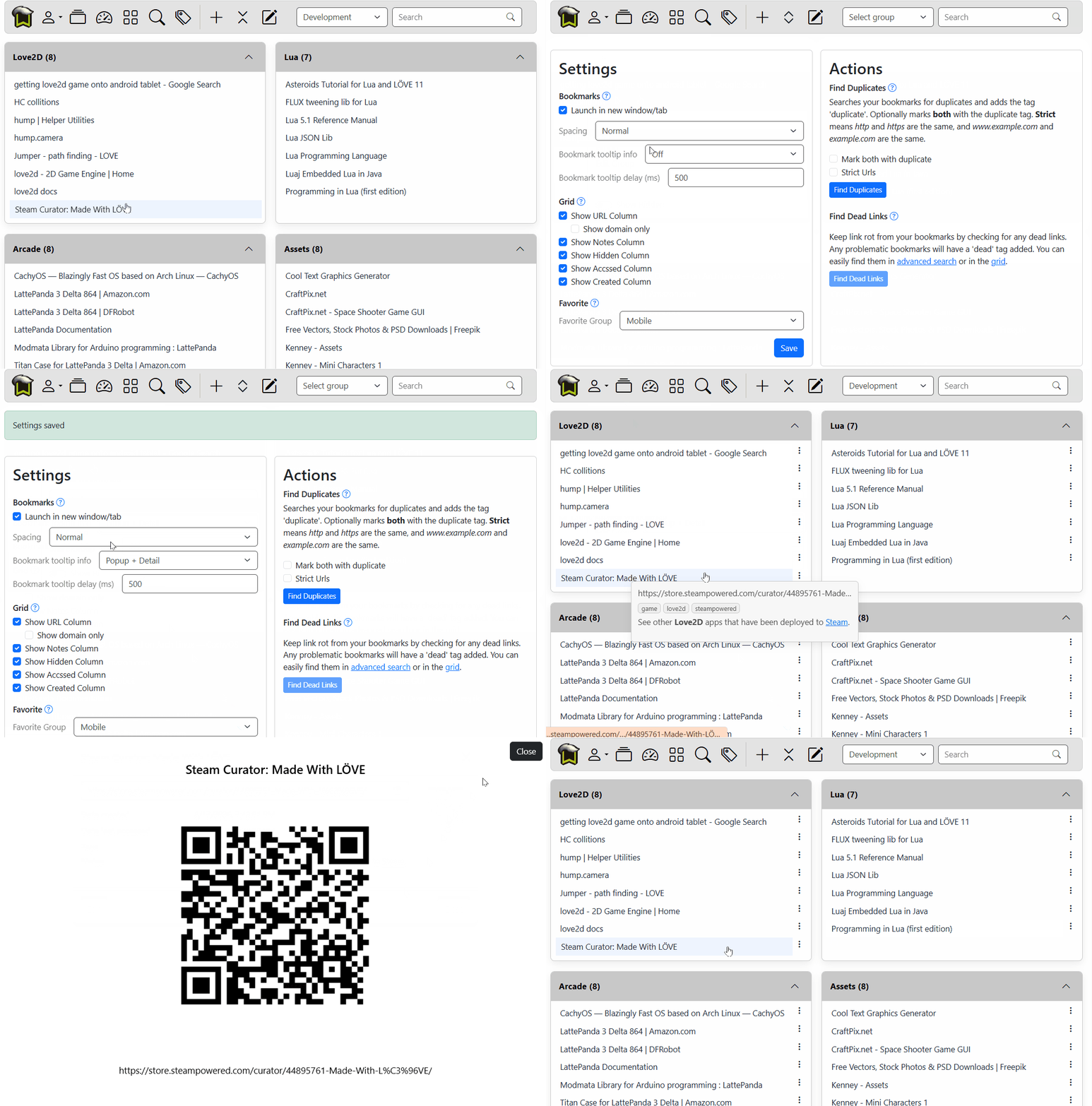
On mobile, you will have to use Popup + Detail. Popup tooltips don't work on mobile devices as there is no mouse to hover over the bookmark.
You can select one of the following options:
| Option | Description |
|---|---|
| Off | No tooltip will be shown, and button is not avaialble |
| Popup | When you hover your mouse over a bookmark, a popup will appear. Moving off the bookmark will close the popup. |
| Popup + Detail | Also shows a little vertical ellipse at the right side of the bookmark. Clicking will show a detail dialog. |
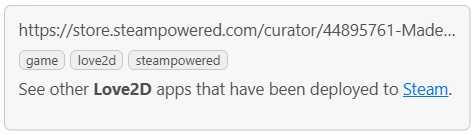
Popup
The popup will show a snippet of the URL, tags, and any notes you have made on the bookmark.
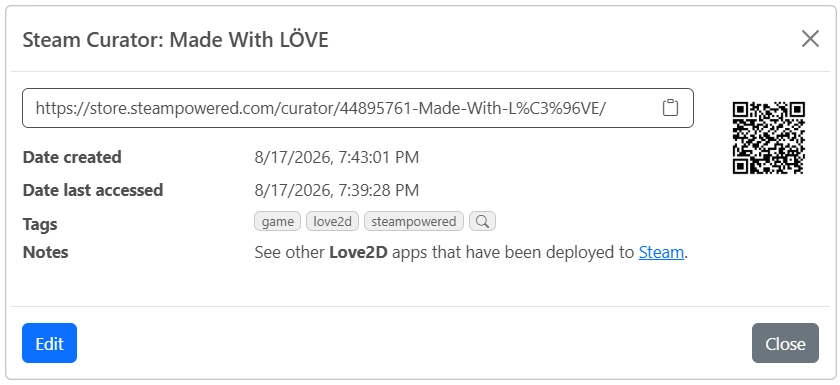
Popup + Detail
If you want detailed information, and to see a QR code, select Popup + Detail. Your notes render any markdown. If you select the QR code it will show a full screen version. Note that your screen is set to Screen Wake Lock, preventing the device from dimming while the QR code is displayed.