Favorite group
The favorite group feature allows you to set what the Logo Icon on the icon bar does. When not set, it returns you to the last page you were on. When set, it will always return you to the group you select. For example, if you want to have a fast way to your Mobile bookmark group.
Set your favorite
Two ways to do it. Directly from a group page, or from your settings.
Let's assume you have a group named "Mobile" that has bookmarks you use on your phone all the time.
From a group page
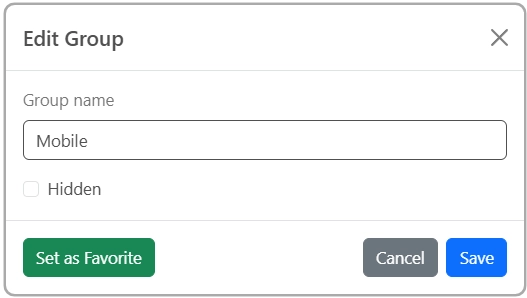
If you are on the group page you want to set as your favorite, go to your User menu > Edit Group and click the Set as Favorite button. If the group is already set as the favorite, the bottom will read Favorite.
From settings
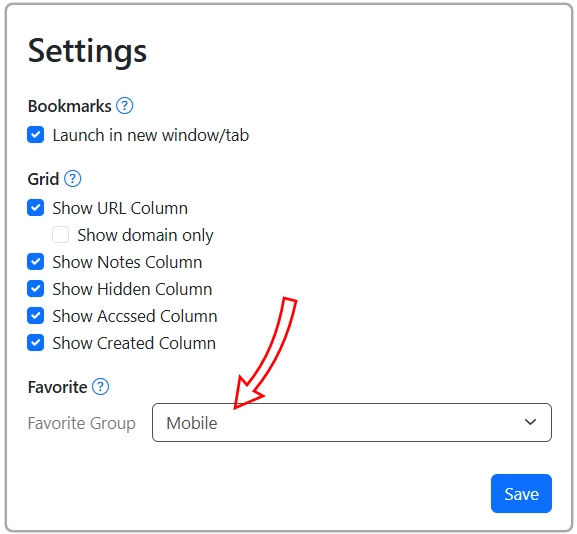
Go to your User menu > Settings and under Favorite select the group you want, Mobile in this example, from the dropdown.